Wallets
The Wallets module is where you create, manage, and organize your wallet groups. Each group contains individual wallets that can be used for minting and other operations. NFTPulse is compatible with all EVM chains.
Wallet Groups
Wallets are organized into groups. A group is a collection of wallets that you use together for a specific purpose (e.g. one group per mint project).
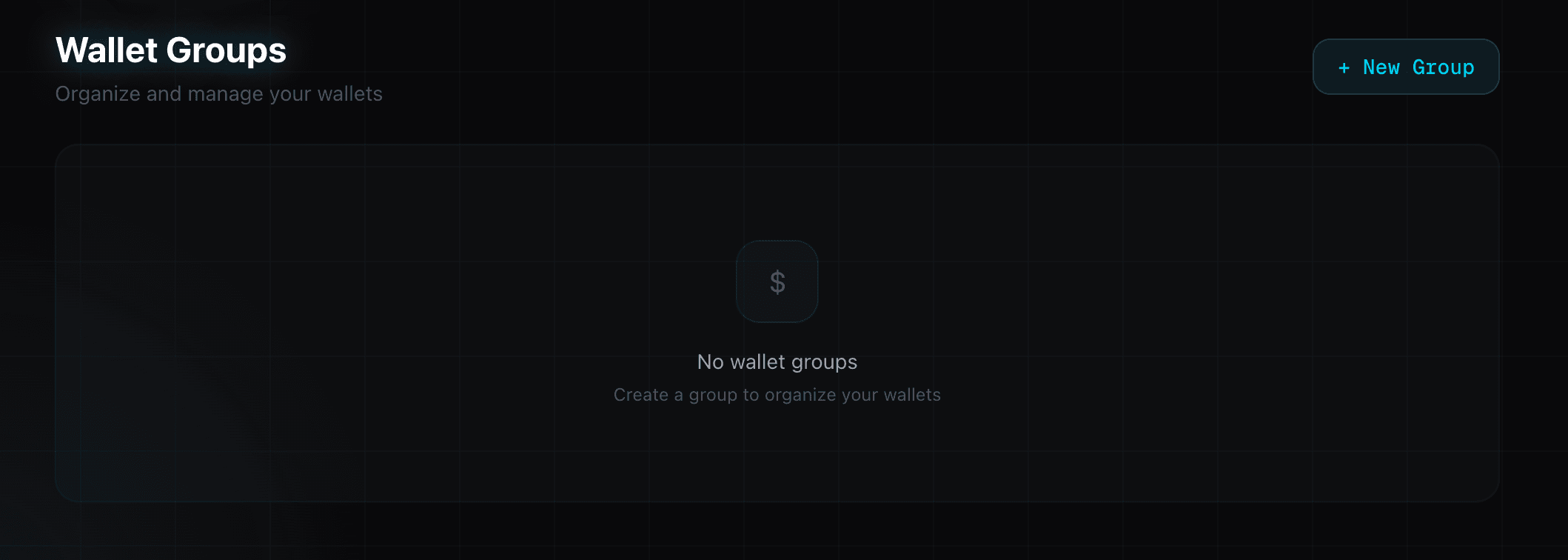
Creating a Group
- Navigate to Wallets in the top menu
- Click + New Group
- Enter a name (e.g. "animechain-mint", "azuki-farm")
- Click Create
Generating Wallets
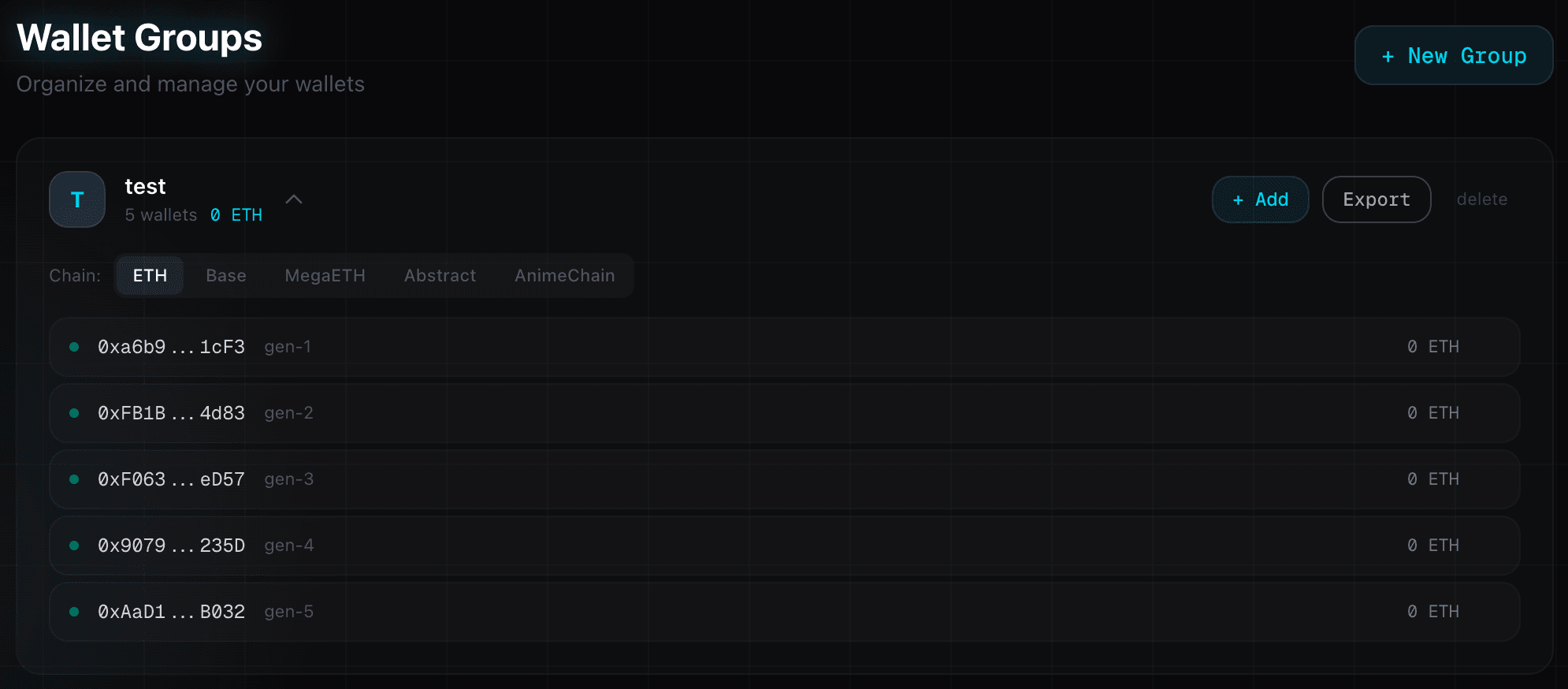
Once you have a group, click + Add on the group card, then select the Generate tab. You can generate up to 10,000 wallets at once.
- Wallets are generated locally using cryptographically secure random keys
- Private keys are encrypted with AES-256 before being stored
- Generated wallets are labeled automatically (gen-1, gen-2, etc.)
- The same wallets work on every EVM chain — no need to create separate wallets per chain
Importing Existing Wallets
You can also import wallets you already have:
- Single import — Paste a private key and optional label
- Bulk import — Paste multiple private keys (one per line)
Managing Wallets
Viewing Balances
Expand a wallet group to see individual wallets. Use the chain selectorto check balances on any supported chain. The total balance across all wallets is displayed at the top of the group card.
Exporting Private Keys
Click Export on a group card to reveal all private keys. You can then copy the full list. The format is: address,privateKey,label
Deleting Wallets
You can delete individual wallets or an entire group:
- Single wallet — Click the trash icon next to any wallet in the expanded view
- Entire group — Click delete on the group card. You must type the group name to confirm deletion