Quick Start
Get up and running with NFTPulse in under 5 minutes. This guide walks you through the entire flow from sign-in to your first mint.
1 Sign In
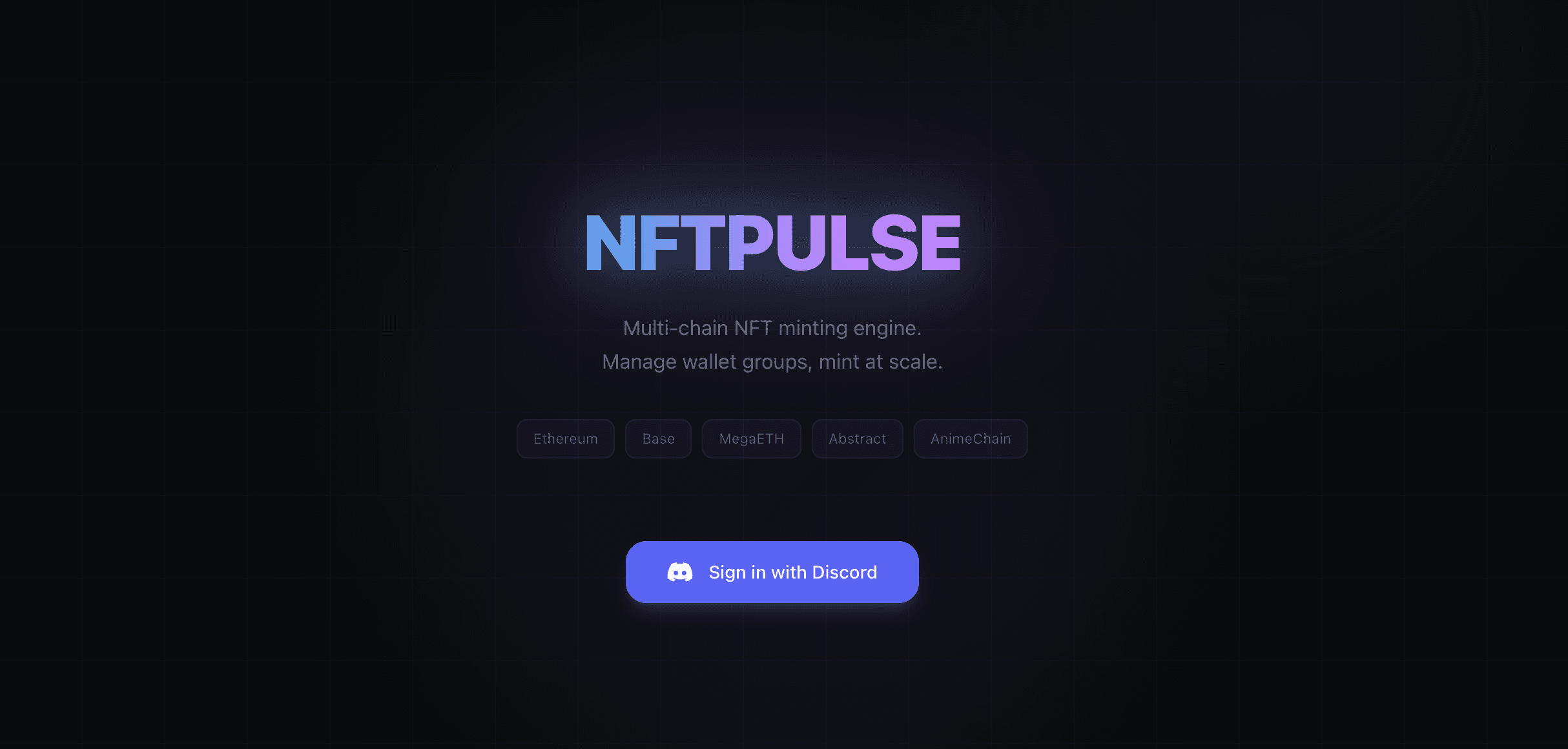
Go to nftpulse-app.xyz and click Sign in with Discord. You need the beta tester role in our Discord server to access the app.
2 Create a Wallet Group
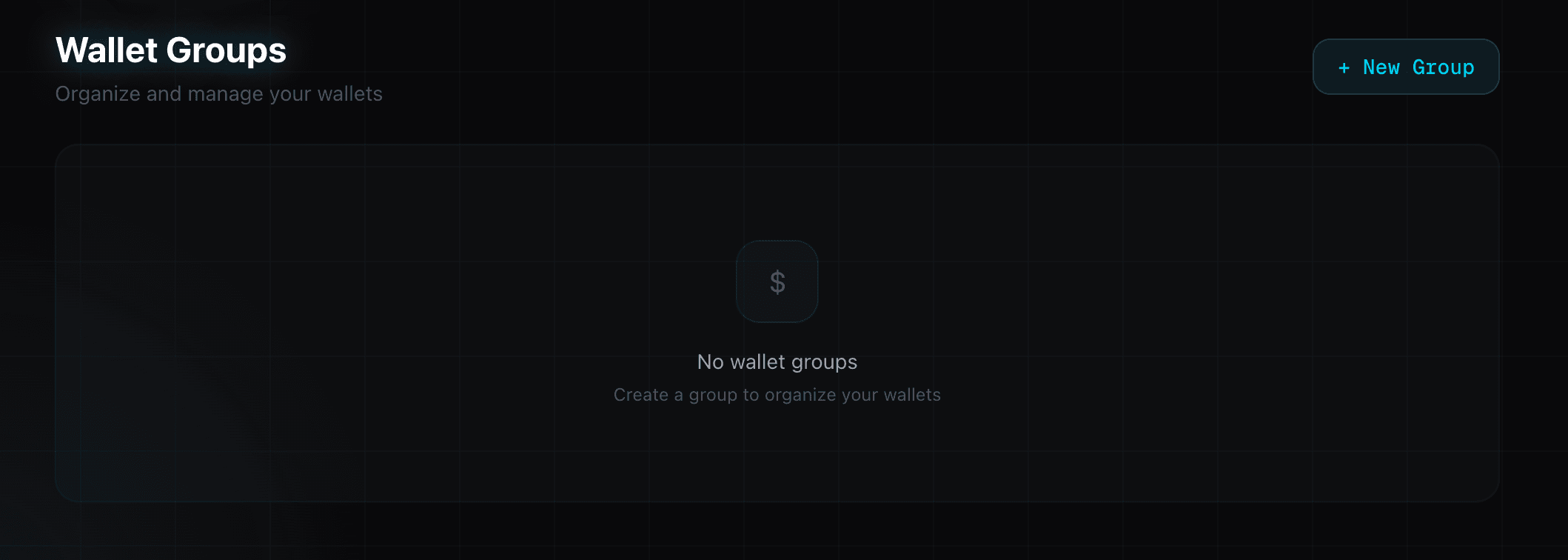
Navigate to Wallets in the top nav. Click + New Group to create a wallet group. Give it a descriptive name (e.g. "azuki-mint", "animechain-farm").
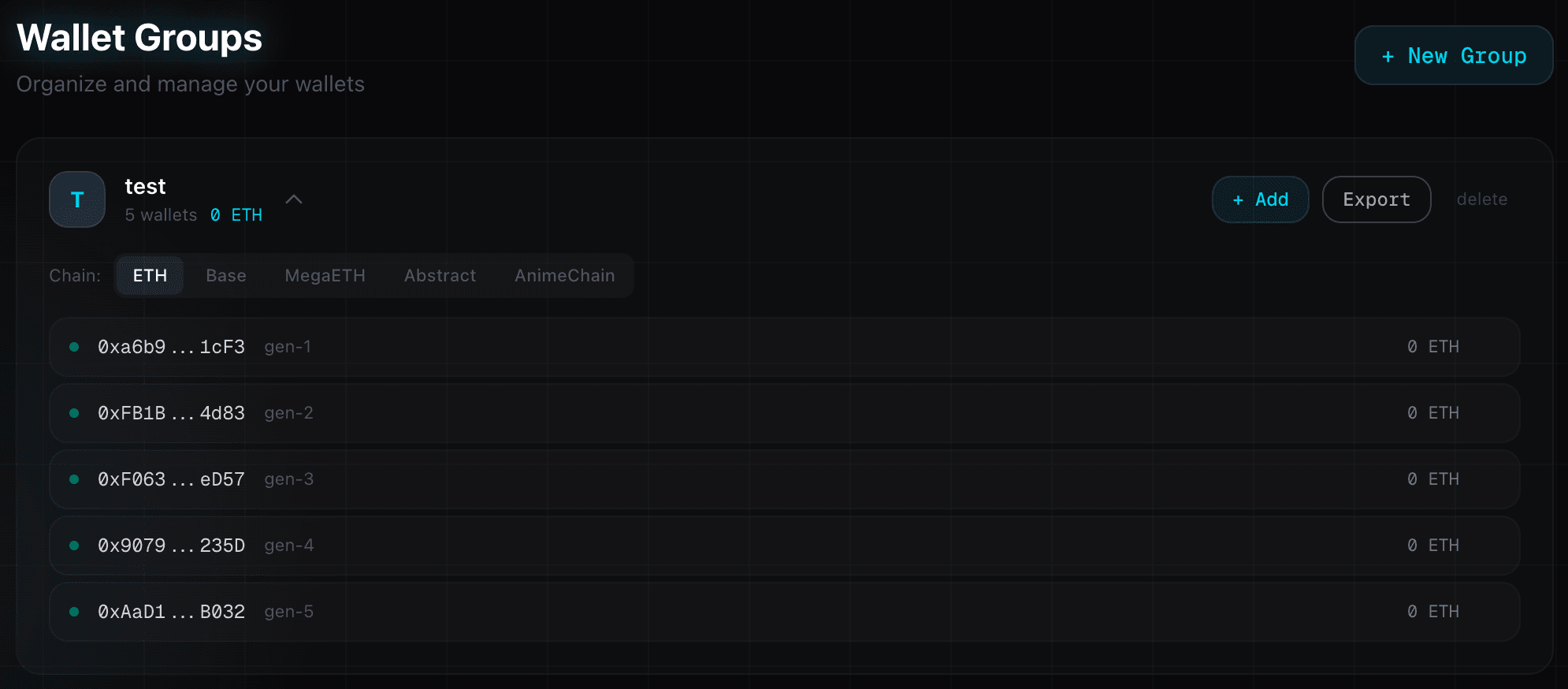
Then click + Add on the group card and select Generate. Enter the number of wallets you want (up to 10,000) and confirm.
3 Fund Your Wallets
Go to Toolbox → Distribute tab. Select your wallet group, choose the chain (any EVM chain), paste your mother wallet private key (the wallet that holds the funds), and set the amount per wallet.
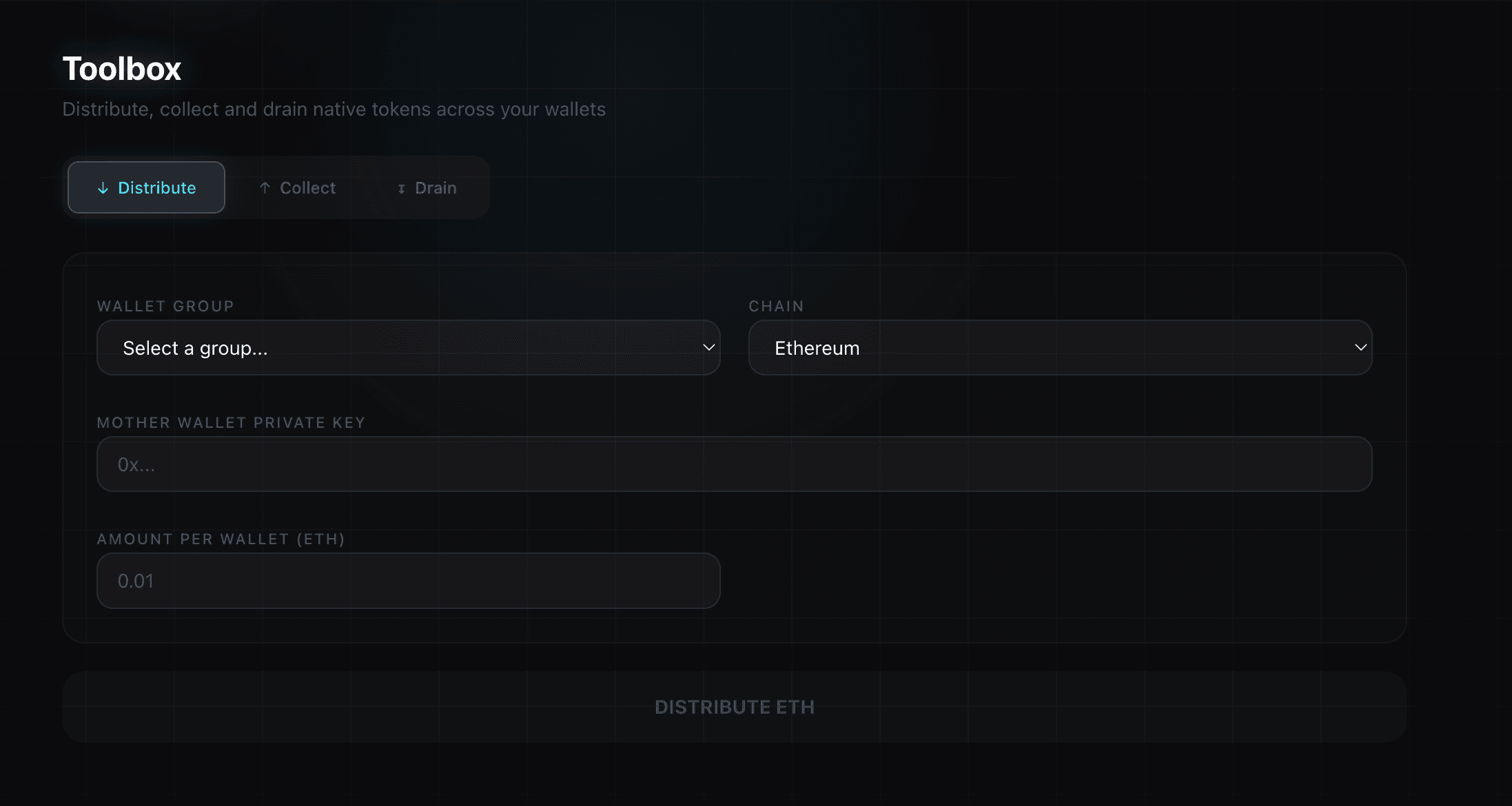
Click DISTRIBUTE. The bot sends tokens to each wallet sequentially with optimized nonce management. For 100 wallets, this takes about 10-15 seconds.
4 Execute a Mint
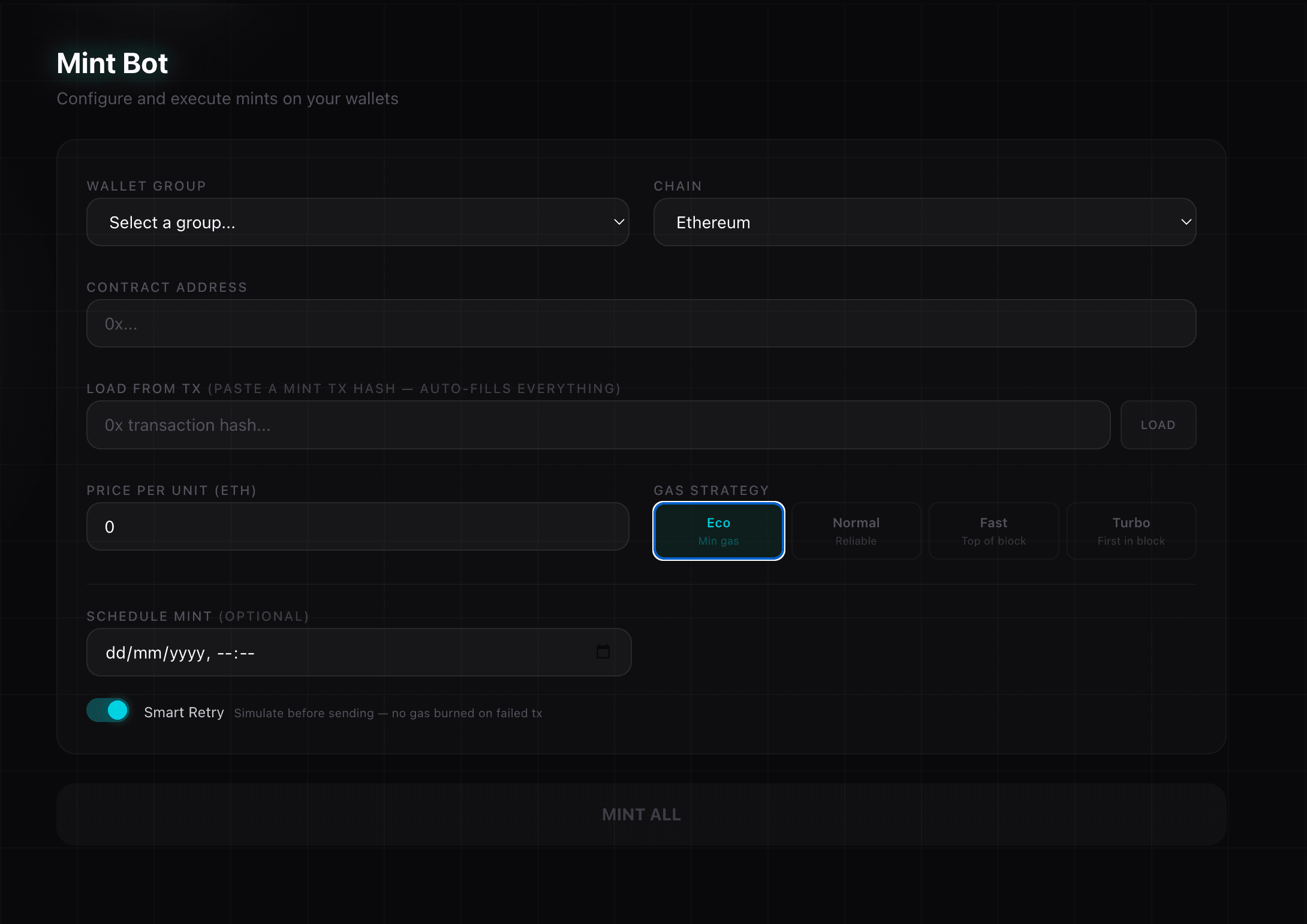
Go to the Mint page. Configure your mint:
- Select your wallet group and chain
- Paste the contract address — the bot auto-detects the ABI and mint function
- Or paste a transaction hash in "Load from TX" to auto-fill everything
- Set the price per unit and choose a gas strategy
- Optionally enable Smart Retry to simulate before sending
- Click MINT ALL
5 Drain Everything Back
After minting, go to Toolbox → Drain tab. Select your wallet group, chain, and paste your destination wallet address.
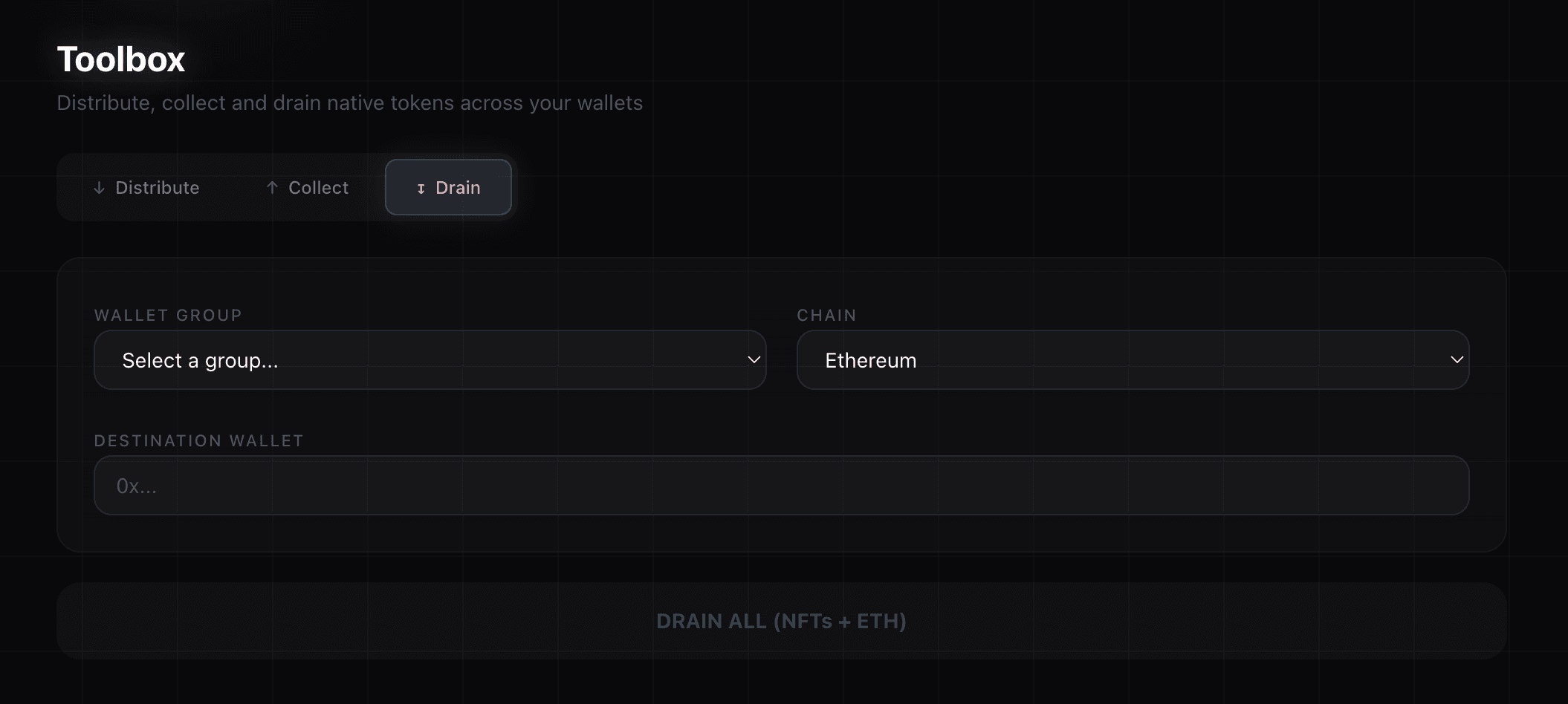
Click Scan Balances to preview the total, then DRAIN ALL. The bot detects all NFTs, transfers them via safeTransferFrom, then sweeps remaining native tokens — all in one operation.
That's it! You've completed a full mint cycle. Make sure to read the Safety & Best Practices page for important security guidelines.